Site Tools by SiteGround
The Hosting Panel That Makes Site Management Easy
Access Free Site Tools Demo
Powerful Tools Made Simple To Use
35+ tools at your disposal to manage your website in a click.
What Makes Site Tools Better?
A web hosting control panel built to simplify work and save time.
-
Intuitive Hosting Panel That Saves Time
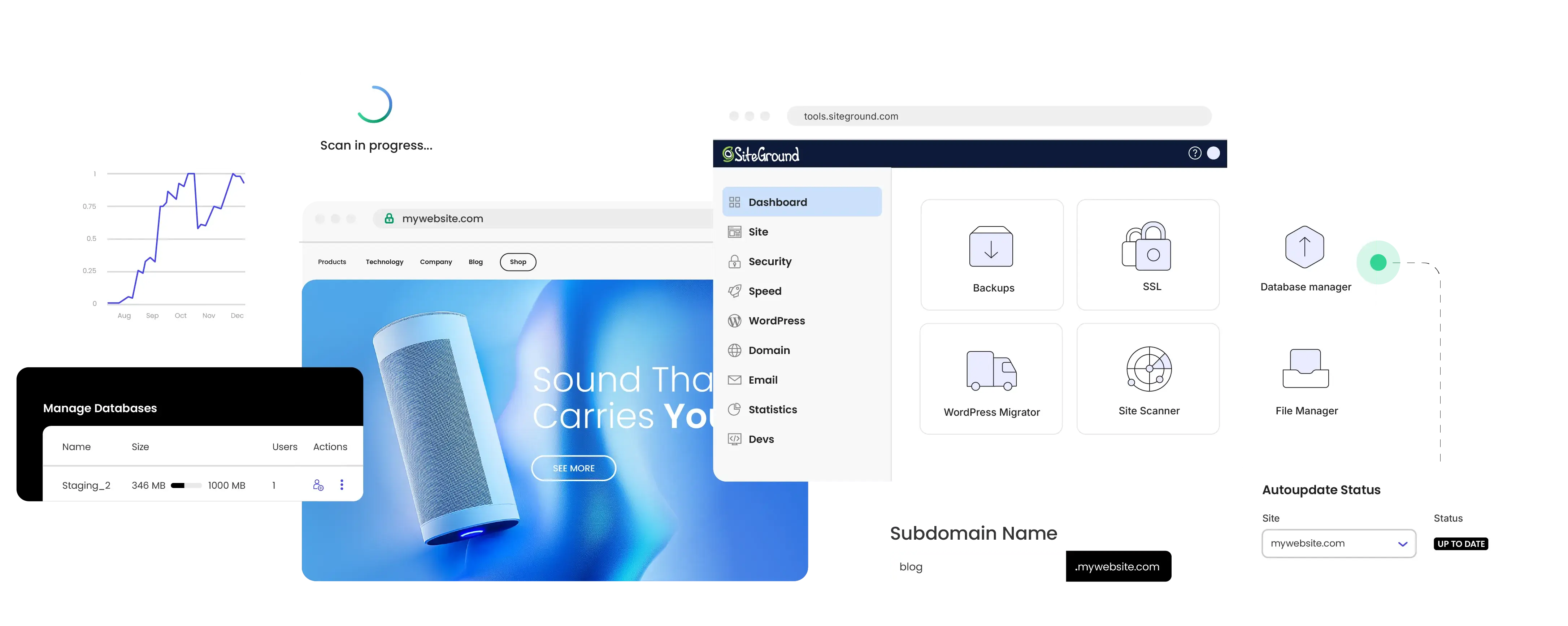
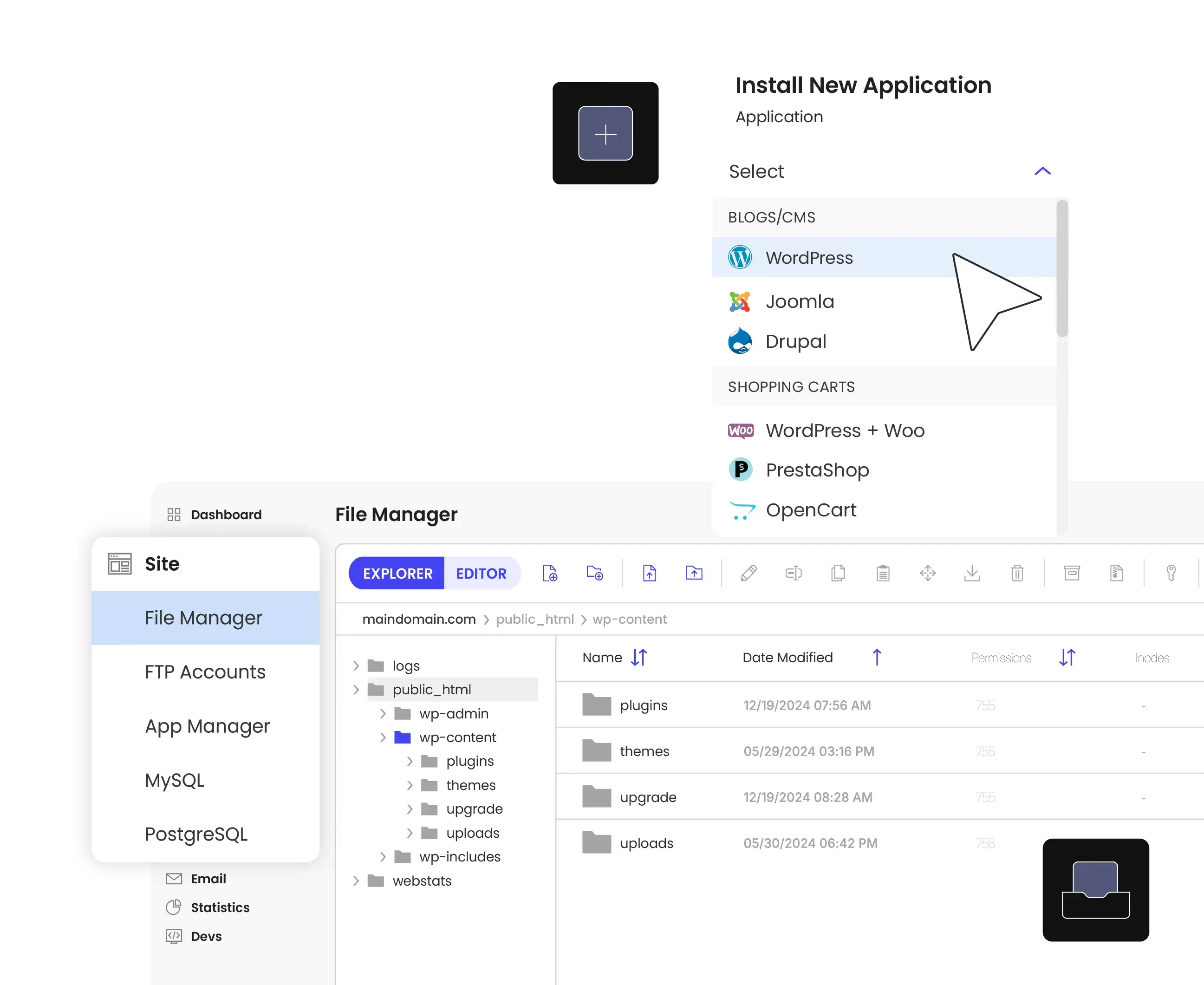
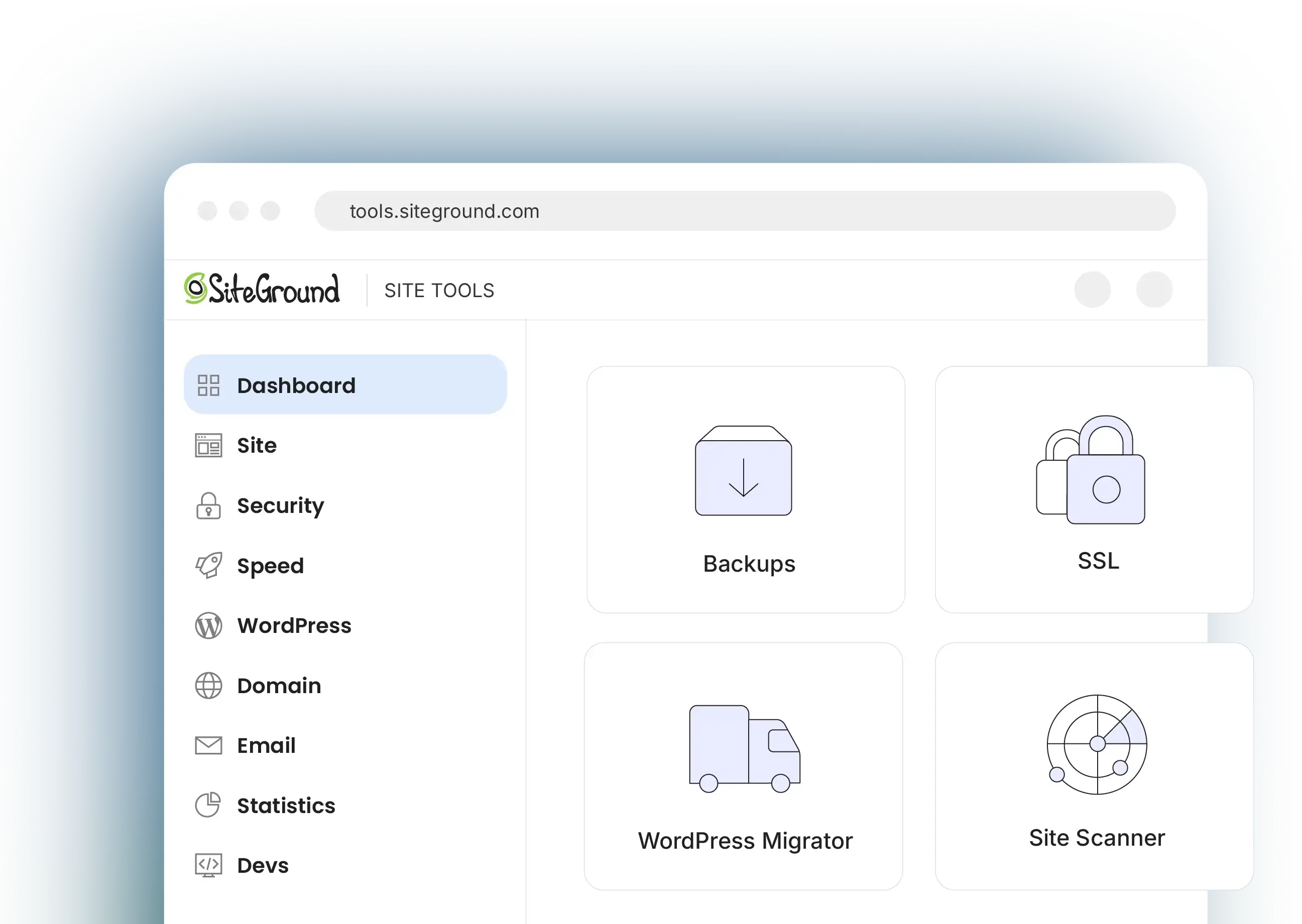
Site Tools is the one place where all hosting and website tools you’ll need reside. It is built to simplify website management with 1 click app installs, database creation, FTP setup, PHP version control, and more.
-
WordPress Management Simplified
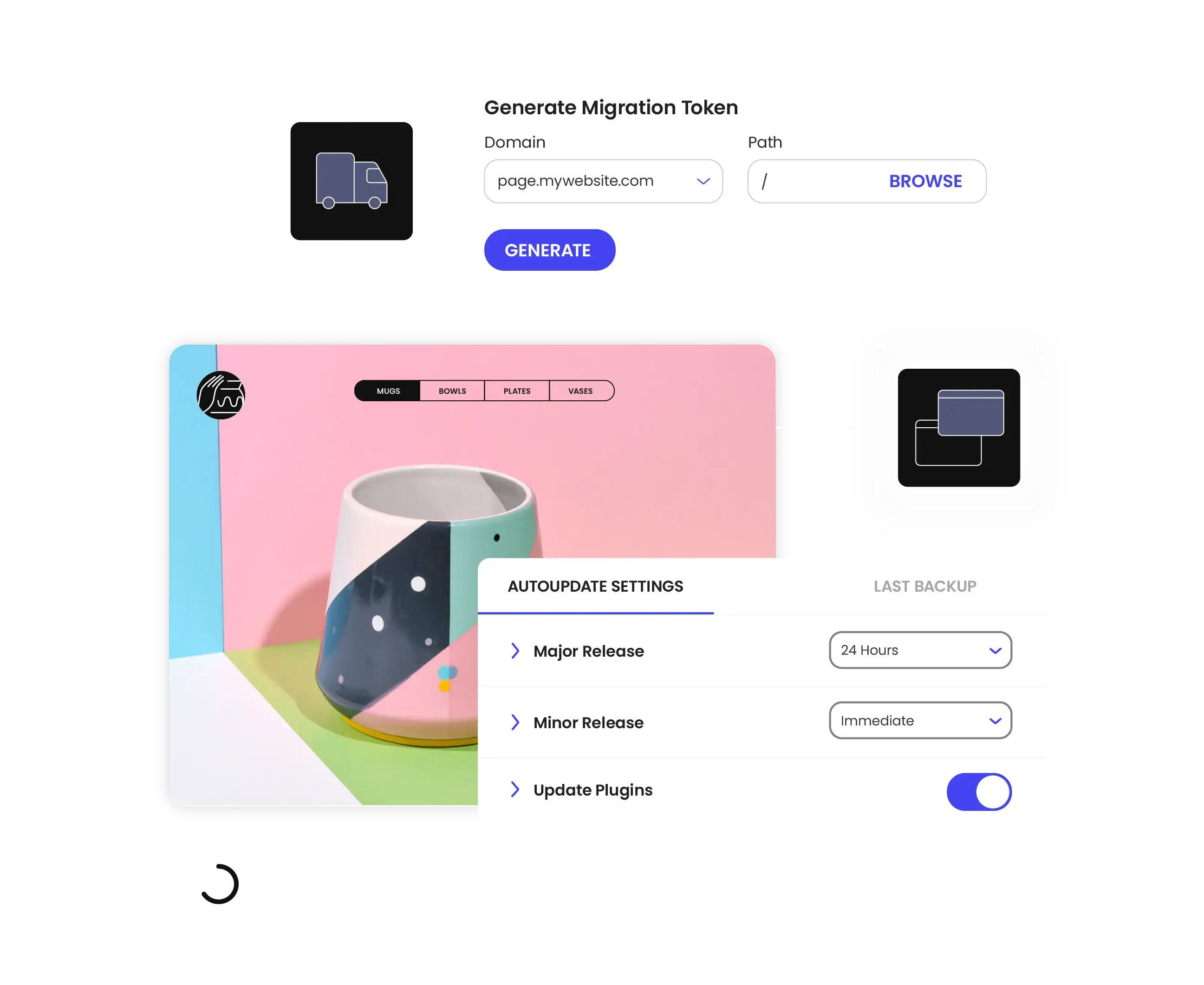
Site Tools enables powerful WordPress management without complexity, handling the heavy lifting behind the scenes so you can stage sites with one click, automate updates, migrate WordPress instantly, and more.
-
Built To Manage Multiple Sites Easily
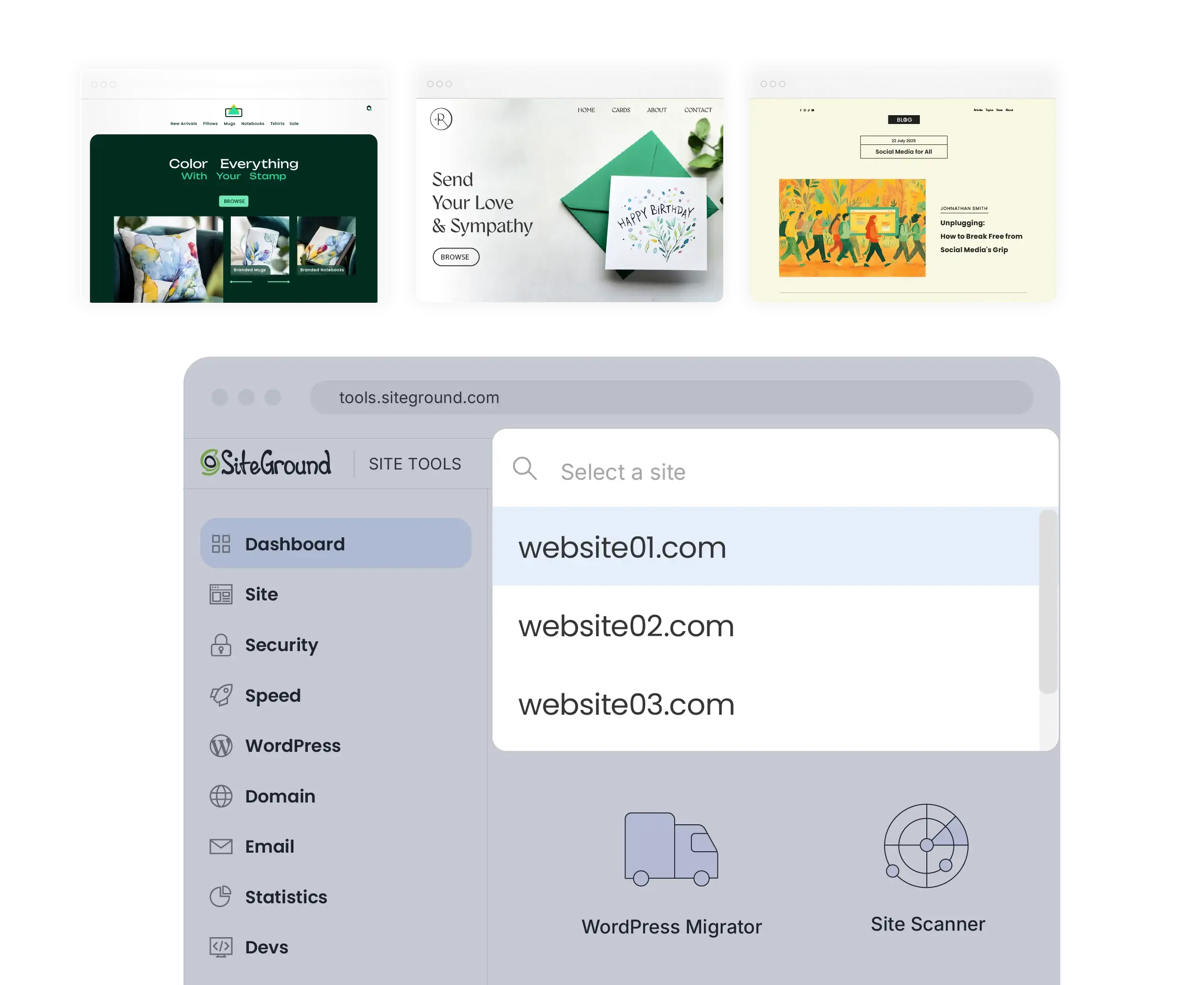
From the Site Tools panel you can instantly switch between all sites, created in all your SiteGround hosting accounts for fast and efficient task management. Unlike other hosting control panels that create hierarchy between sites and limit your management options, Site Tools is website-focused and gives equal privileges to all.
Everyone Loves Site Tools
For Website Owners
Whether you are just getting started, or you’re migrating a site with some webmastering experience already, it’s really easy to use Site Tools.
For Agencies & Freelancers Building Sites
We make it easy to manage multiple client websites, facilitating different workflows and business goals.
Customer success stories
See how businesses and professionals grow with SiteGround.




Frequently asked questions
-
What is Site Tools?
Site Tools is SiteGround's web hosting control panel. You can install applications, manage domains and emails, handle FTP accounts, create backups, install SSL certificates, enable caching and CDN, monitor website traffic, and control technical settings like PHP versions - all from one intuitive interface.
Unlike other hosting control panels, where the control panel manages the whole hosting account and all sites in that account, Site Tools is site-centric and manages only a single website. Clients with multiple websites will have a corresponding number of Site Tools panels and will be able to switch between sites and their Site Tools easily.
-
What is the difference between Site Tools and cPanel?
cPanel offers a more traditional and less flexible approach to hosting account management where one control panel (cPanel) manages all websites created in the hosting account. In this case, there is one primary website and all other sites are considered “addons” with a secondary status and dependent on some of their functionality on the primary site settings. Unlike cPanel, SiteGround's Site Tools is website-centric and controls only one website in the hosting account. This site-centric design means all websites in the hosting account are equal in status and they can get completely different, independent from each other settings.
-
How can I migrate my website to Site Tools?
There are two ways to move your website to SiteGround. For WordPress sites, you can use our WordPress Migrator tool - just install the plugin and follow our setup wizard. Alternatively, you can request a professional transfer done by our website migration experts who will handle your files, database, and configuration. We'll thoroughly test everything on our end before going live. Our support team is here to help you through the process if you need assistance.
